English
 Nederlands
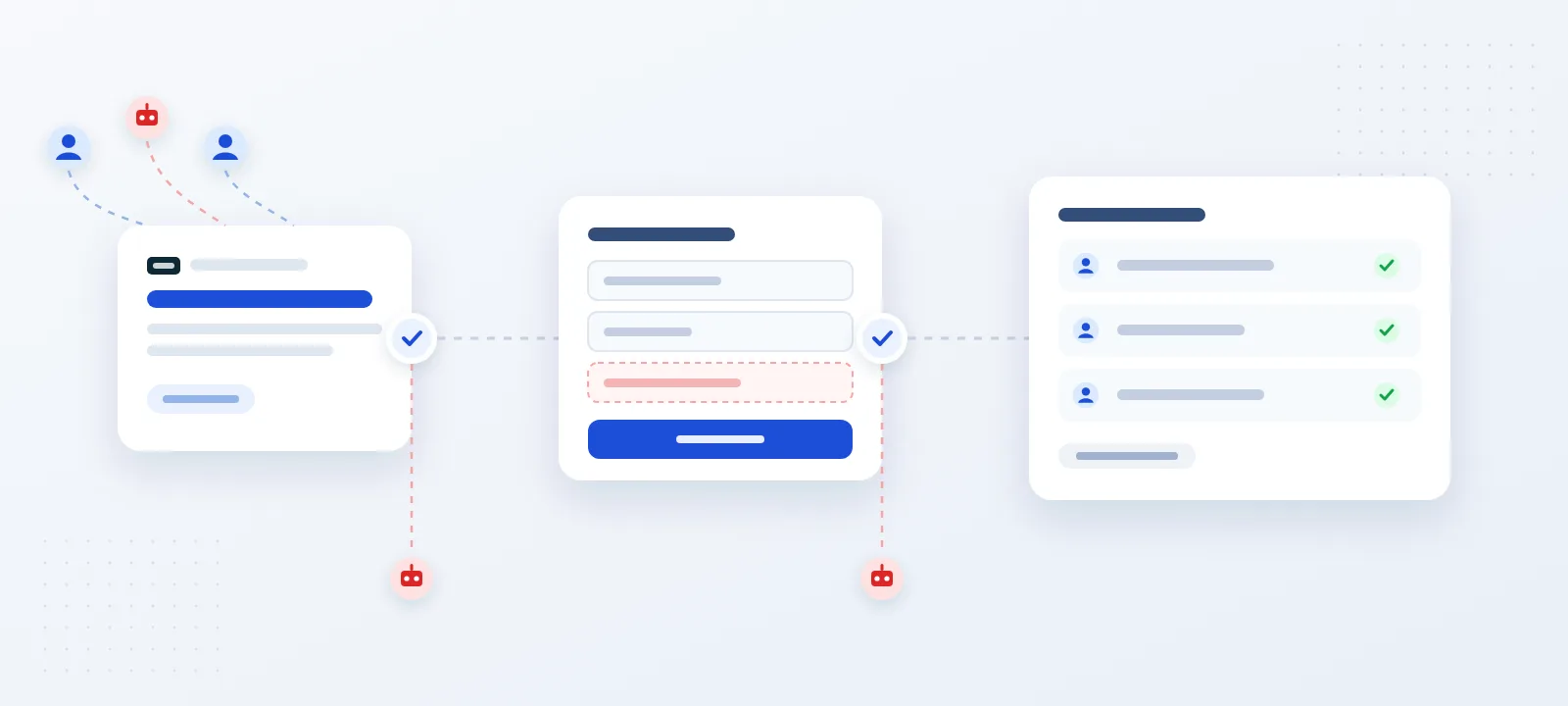
Stopping fake leads from Google Ads means addressing three things together: who sees and clicks your ads, what gets through your form, and which leads Google learns from. Fix the form alone and fake enquiries stay out of your inbox, but you have already paid for the click. Focus only on clicks and spam from other sources can still get through your form.
This guide covers Google Ads settings, form checks, the signal you return to Google, and the tools that help at each stage. For signs that a lead is fake, see how to detect fake leads.
Sources of fake leads from Google Ads
- Bots can click an ad and complete the form using made-up or stolen details.
- Click farms and paid workers complete forms manually, often through placements outside Google Search.
- Competitors may click your ads and send a fake enquiry to waste your time.
- Form spam scripts can target your form directly without an ad click, yet still count as a Google Ads conversion if your tracking permits it.
Because every source calls for a different fix, a single measure rarely solves the whole problem.
Step 1: Limit who sees your ads
- Location option. Google's recommended "Presence or interest" setting also targets people who "have shown an interest in your targeted locations". Where you serve only one area, select "Presence" so ads reach people who are actually there.
- Search partners. First segment conversions by network. If search partner sites produce poorer leads than Google Search, untick search partners in the campaign's network settings.
- Placements. For Display and Performance Max, review where your ads appeared, then exclude apps and sites that generate form fills without customers. See placement exclusion.
Step 2: Make fake form fills harder
- Verify before you count. Confirm an email address or phone number before the lead reaches your CRM or conversion tag.
- Add a hidden field. This is a field that people cannot see but bots fill in, filtering much simple spam without affecting real visitors.
- Use Google's lead forms with verification. Lead form assets keep forms within Google, which offers OTP verification to "ensure highly qualified prospects".
These checks prevent fake leads from reaching your sales team. They cannot prevent the cost, because the ad click behind a fake form has already been paid for when the visitor arrives at the form.
Step 3: Ensure Google learns only from real leads
Smart Bidding learns from the conversions you send. When every form fill counts, a fake one is treated as just as successful as a real one, so Google seeks more of that same traffic.
- Count later in the funnel. Rather than bidding on the raw form fill, import from your CRM the leads your team marks as qualified as the conversion.
- Use enhanced conversions for leads. Your form sends Google hashed first-party data, helping it connect a lead to the ad click behind it. Since April 2026, web and lead enhanced conversions have been a single setting.
- Keep bot visits out of the conversion tag. Only fire the conversion for visits that look human, so Google never receives a bot's form fill as a success.
Step 4: Block sources that return
Exclude any source that keeps sending junk. Google Ads allows up to 500 excluded IP addresses per campaign, or an account-level list for Performance Max. Google will not add those exclusions for you. Does Google protect against click fraud? explains which traffic Google filters itself and which it leaves to you.
Comparing tools that stop fake leads
Different tools act at different stages. A form check works after you have paid for the click, while a click fraud tool acts on both the click and what Google learns. ClickPatrol is our own product.
| Tool | Works on | How it works against fake leads | Published price |
|---|---|---|---|
| ClickPatrol | The click and the conversion signal | Scores each paid click, excludes invalid sources in Google Ads, and only counts a conversion when the visit was scored as real | From €71 a month |
| ClickCease Lead Shield | HubSpot forms | "Identity & intent validation for HubSpot leads", 250 HubSpot leads on Starter | Starter $99 a month |
| Fraud Blocker | The click, plus email checks | Blocks invalid clicks; 250 email verifications are included in the Pro plan | Pro $99 a month |
| CHEQ Form Guard | Website forms | A separate CHEQ product for fake form fills | Quote only |
| Google lead form assets | Google's own form | Optional OTP verification of the person filling in the form | No extra cost |
| Hidden fields and captchas | Your website form | Filter simple bots before saving the lead | Free |
Prices are published on the vendors' pricing pages; see click fraud protection cost for what each plan includes.
Which combination suits your account
- Local services and trades. Use Presence for location, verify the phone number on the form, and protect expensive clicks. Click fraud in home services shows the cost of those clicks.
- Software with free trials. Bid on activated accounts instead of sign-ups, and prevent bot sign-ups from reaching the conversion tag. See click fraud protection for SaaS companies.
- High-volume lead generation. Import qualified leads, review every Display and Performance Max placement, and automatically exclude repeat sources.
For context: Emerce published ClickPatrol data for Dutch campaigns in October 2026 showing that 8 to 9 percent of paid clicks were not real. Junk leads explains what ClickPatrol does about them.
Sources
- Google Ads Help: Target ads to geographic locations, About lead form assets, About enhanced conversions and Exclude IP addresses, accessed 23 November 2026.
- ClickCease: pricing, checked 23 November 2026.
- Fraud Blocker: pricing, checked 18 November 2026.
- CHEQ: website, checked 23 November 2026.
- Click fraud in the Netherlands: ClickPatrol data that Emerce published on 28 October 2026, summarised in click fraud by ad network.