English
 Nederlands
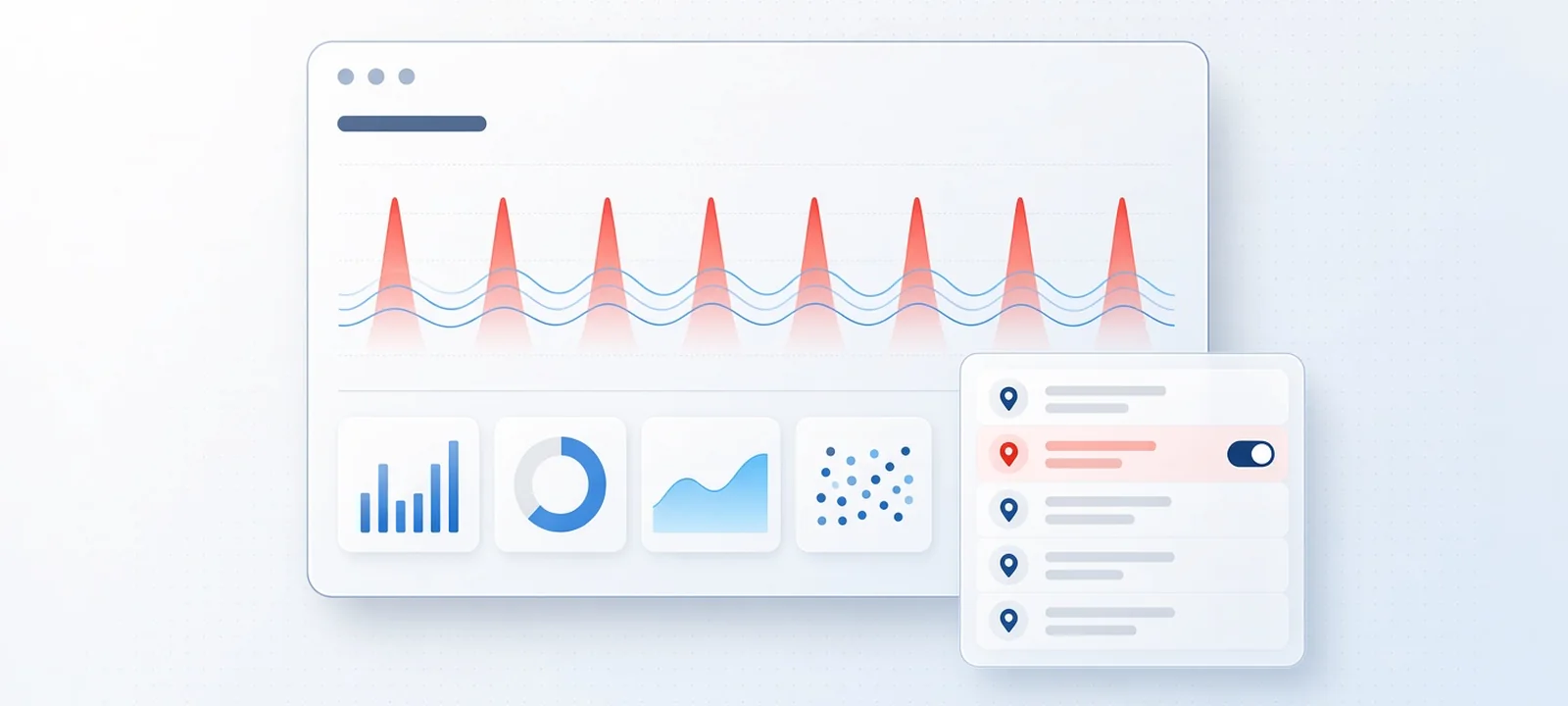
Start by checking your own data to confirm that competitors are clicking your Google Ads. Next, identify the IP address responsible for the repeat clicks and exclude it at account level in Google Ads. Report the clicks to Google within 60 days for a possible credit. If the address keeps changing, manual exclusions stop working and you need click-level detection.
- Use the Invalid clicks column to check what Google has already removed.
- Identify whether clicks recur during the same hours and in the same area, without producing calls or forms.
- Use your server logs or a click tracker to locate the IP address.
- Add that address to the account-level exclusions in Google Ads.
- Request a Google investigation within 60 days of the clicks.
- Return after a week to see whether the clicks now come from another address.
Can a competitor really click on your Google Ads?
Yes. On its help page about invalid traffic, Google identifies "competitors who manually click to increase your spend" as a type of invalid activity. Much of this activity is filtered automatically. Google does not charge you for invalid clicks it detects before billing.
The problem lies with the clicks that pass those filters. A rival who clicks a few times each day from an ordinary browser looks like any other searcher. A local business can suffer damage far beyond the small number of clicks because its limited daily budget may be exhausted quickly.
| Example using round numbers | Amount |
|---|---|
| Budget for the day | €60 |
| Price of each click | €4 |
| Clicks before the budget runs out | 15 |
| Clicks from a competitor before 10:00 | 8 (€32) |
Here, more than half the daily budget disappears before most customers begin searching. Your ads then leave the auction for the remainder of the day, while the competitor's ads continue to run. The speed at which this happens depends on your own cost per click.
How do you know it is a competitor and not a bot?
Because Google Ads never reveals a company name, you have to examine patterns. Someone working at a rival business leaves a trail that differs from the activity of bots and click farms. The table below explains what to examine. No individual signal is proof. First rule out broad match keywords and loose location settings. A quiet week can create a similar report too.
| What appears in the data | Suggests a competitor when | Another possible cause |
|---|---|---|
| Clicks cluster during the same weekday hours | The cluster returns during office hours each day | A real increase in local demand |
| Clicks originate in your town or region | None of them produces a call or form | Genuine customers who continue to compare |
| The budget runs out early after a price or offer change | The pattern returns with your next change | A seasonal increase in search activity |
| One network sends repeat visits | It is a business connection rather than a mobile carrier | An office or mobile network shared by several people |
| Data centres or other countries send hundreds of clicks | This is seldom a rival clicking manually | Bots or a click farm, see bot traffic on Google Ads |
A competitor may seem responsible even when automated traffic is the real cause. That was Conservio's suspicion. The conservation travel company's founder had "a gut feeling that competitors were either checking our pricing, scraping our website, or deliberately sabotaging our campaigns". ClickPatrol then scored the clicks from its live campaigns and found that up to 14% were non-human. The complete figures appear in the Conservio case study.
How to stop competitors clicking your Google Ads, step by step
You can follow these steps using the information available in Google Ads together with your own website logs. They are most effective against a single rival using a fixed internet connection. Even if several sources are involved, begin here. The first two steps help establish the size of the problem.
Read what Google already filtered
Open Campaigns and select the Columns icon above the table. Search for "Invalid clicks", then apply it. Google has already removed those clicks from your bill. When the figure for your Search campaigns is low but the budget still runs out early, the damaging clicks are those Google treated as valid. The following steps address that gap.
Narrow down when and where the clicks happen
Break the campaign down by hour of day and day of the week. Then use the locations report to find the origin of the clicks. Compare that view with calls and form fills during those hours. Competitor activity often appears as a block of clicks from one area at a consistent time, yet it produces no enquiries. Record the times for the next step.
Find the IP address behind the repeat clicks
You cannot see the IP address behind a click in Google Ads. Google Analytics cannot provide it either, since it does not log or store IP addresses for visitors in the EU and the UK. Instead, use a source that records each visit. This can be your web server's access logs, which your hosting company can export, or a click tracker.
Ad clicks appear in the logs with a gclid parameter in the URL. Filter for that parameter and compare the results with the times you recorded. Your candidate is an address that clicks repeatedly on the same day without ever converting.
Exclude the address in Google Ads
In Google Ads, open Admin and then Account settings. Add the address under IP exclusions. An exclusion at account level applies to every campaign in that account, including Performance Max. Campaign-level exclusions are also available under Settings, Additional settings, IP exclusions, with a limit of 500 addresses per campaign. Those campaign lists do not apply to Performance Max.
To exclude an entire range, you can replace the final block of digits with an asterisk. Use this option only if you are certain that no customers use that range. Follow the complete process in how to exclude IP addresses in Google Ads.
Ask Google to investigate the clicks
When invalid clicks pass Google's filters, you may submit an invalid traffic investigation request covering activity from the last 60 days. For a confirmed case, Google issues a billing credit labelled Invalid activity. It does not return money to your bank account. You will not receive a decision for each click. Google states that an investigation cannot confirm whether particular clicks were classified as valid or invalid.
Keep your expectations modest. Roughly 5% of the clicks that ClickPatrol reports and that proceed to Google's manual review receive a credit. The review takes about 4 to 8 weeks. Learn where those credits appear in Google Ads refunds.
Check again a week later
Seven days later, open the same report and use the hours and area from your notes. If the block of clicks has stopped, the exclusion worked. If it returns with the same pattern but a new address, the rival is changing connections. Adding each address separately will not keep pace.
Why blocking competitor IP addresses by hand stops working
An IP exclusion applies to an address rather than an individual. Its useful life depends on the competitor's internet connection.
| Connection used by the competitor | Will a manual IP exclusion last? | Reason |
|---|---|---|
| An office connection with a fixed address | In most cases | The address remains unchanged for months |
| A home broadband connection | Temporarily | Internet providers occasionally assign a different address |
| A phone using 4G or 5G | No | Mobile networks rotate shared addresses, which means your customers may use the same address |
| A VPN | No | Each exit address is shared by many people, and another connection may use a different one |
| A residential proxy or click bot | No | Proxy addresses frequently vanish after a short time |
There are two further limits. Since a campaign list holds 500 addresses, a hand-made list that runs for long enough will eventually become full. Schools and offices can place many people behind one public address. Hotels and mobile networks do the same. A careless exclusion could therefore hide your ads from customers you pay to reach. This is why ClickPatrol never blocks on an IP address alone.
When a click fraud tool is worth it
The steps above may be enough when a single competitor clicks from one office. A tool becomes worthwhile once the address keeps changing or the clicks originate from several sources. It can also help if you manage multiple campaigns without enough time to inspect server logs each week. Agencies handling accounts for local clients can reach this stage quickly.
ClickPatrol handles competitors clicking your ads in the following ways:
- Each paid click receives a score based on more than 800 data points. Device and network details are assessed alongside behaviour, allowing a rival to be recognised even after switching addresses.
- Click threshold rules block an IP after it clicks more often than your chosen allowance, such as 3 clicks in 10 minutes. Up to 5 rules can operate side by side.
- The blacklist keeps a known competitor address blocked. A separate whitelist protects your own office and agency, along with regular customers.
- With Monitor Only Mode, you can observe how clicks are classified before Google Ads excludes anything.
- ClickPatrol manages the exclusion list inside your Google Ads account, retaining the addresses that present the greatest risk at that moment.
For each click, Click Insights shows the location and network, plus the device, IP address and score. Google Ads does not provide this evidence. It helps distinguish a competitor from a bot or a genuine customer. If you advertise a local business, explore how it works for regional companies. You can also start my free 7-day trial and begin by reviewing your own clicks.
What not to do
Some responses may seem sensible, yet they make the situation worse.
- Never respond by clicking the competitor's ads. Google also classifies that behaviour as invalid activity, and it provides no useful evidence.
- Do not start with a lawsuit. Proving which person clicked, and that it was on purpose, is hard, and the costs usually exceed the loss. What the law says in the US, the UK and the Netherlands: is click fraud illegal?
- Excluding an entire town by location may keep one rival away, but it also removes every customer in that town.
- Setting overly strict click limits can block someone who returns for a second visit while comparing three quotes.
- Brand bidding is a separate issue. When a rival bids on your company name, the matter concerns the auction. It is covered in competitors bidding on your brand keywords.
For a broader view that goes beyond competitors and covers bots, placements and Smart Bidding data, read how to stop click fraud on Google Ads.
Sources
- Google Ads Help, About invalid traffic, read 18 November 2026.
- Google Ads Help, Exclude IP addresses, read 18 November 2026.
- Google Analytics Help, EU-focused data and privacy, read 18 November 2026.
- ClickPatrol docs: click threshold rules, how ClickPatrol prevents false positives, why a blocked IP can still appear.