English
 Nederlands
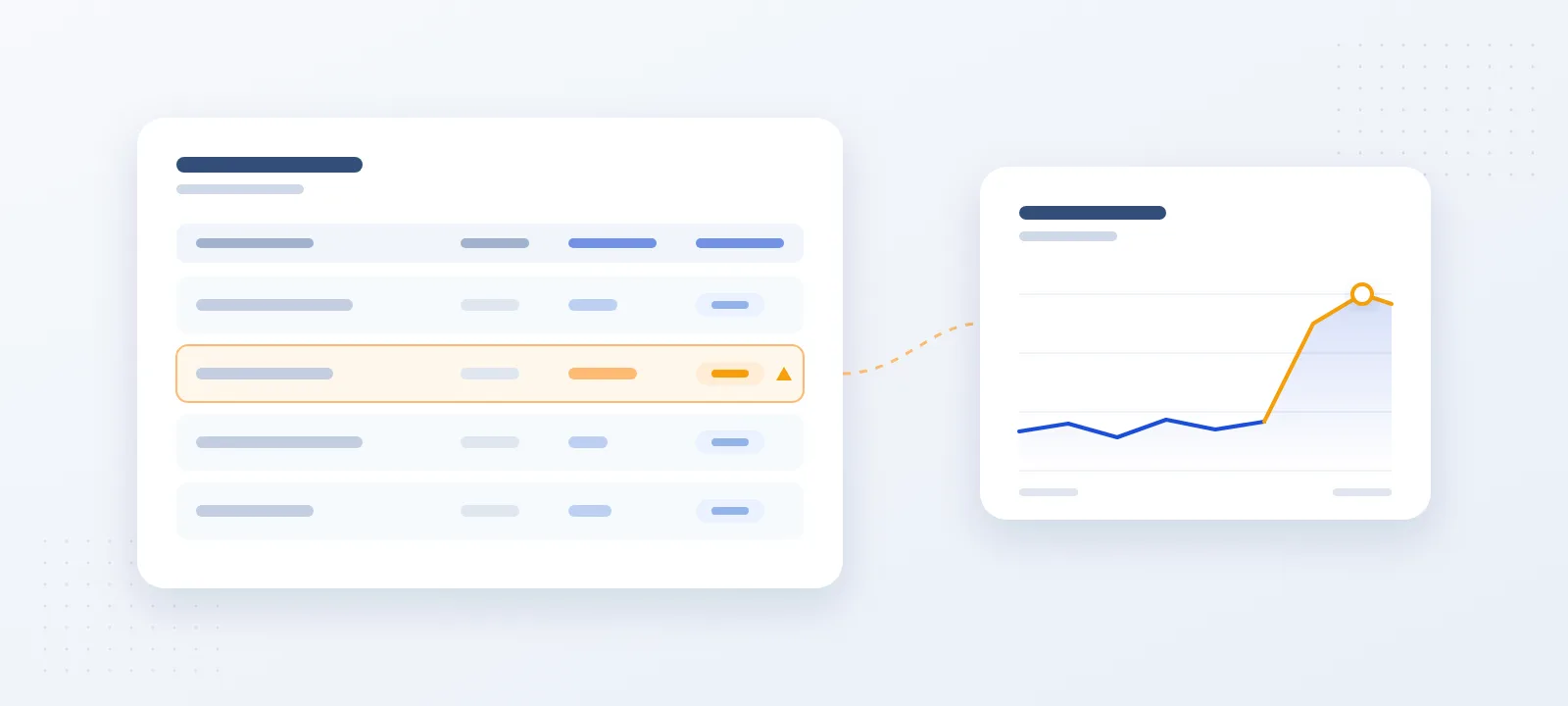
Google Ads has no normal invalid click rate. Google states this directly: "There is no industry standard for a normal invalid traffic rate." The rate is the proportion of your clicks Google classified as invalid and filtered out, so you are not charged for them. A high rate shows that Google caught more, not that you lost more. A low rate is not proof that your traffic is clean. Look instead at how the rate changes over time, which campaign drives it, and what happens to the clicks Google did bill.
This guide covers what the column measures, how to interpret it in your account, and when a figure gives you a reason to act.
What the invalid click rate shows
Google defines the Invalid clicks and Invalid click rate columns as "the number and percentage of clicks that were classified as invalid and automatically filtered from your account". You do not pay for these clicks, and they are excluded from your other statistics, including Clicks and Cost.
- Where to find it. Google says these columns are available only on the Campaigns page. That means you see the rate by campaign, rather than by ad group or keyword. The Invalid traffic card on the Overview page shows that same protection over time.
- General invalid clicks. Another pair of columns, General invalid clicks and General invalid click rate, records clicks found through routine filtering. Google makes them available only for Search and Display campaigns.
- What it leaves out. The rate includes only clicks Google filtered. Clicks its filters missed are billed and remain in your usual Clicks column.
Is there a normal invalid click rate?
No. Google answers the question plainly on its help page, adding that "invalid traffic fluctuates" and that the figures "change naturally over time". Your rate reflects campaign types, industry, the competition you bid against and where ads appear. A number from another account therefore tells you little about your own.
Figures outside Google measure something else. ClickPatrol data for Dutch campaigns, published by Emerce in October 2026, found that 8 to 9 percent of paid clicks were not real. On some client accounts, the Dutch agency daar-om.nl found invalid clicks of up to 20%. Those counts are clicks a third-party tool scored as invalid, not Google's filtered rate. Google also says third-party tools "often report different data than Google Ads".
What a high invalid click rate means
Google treats a rising number as positive: "An increase in invalid clicks means Google's defenses actively protect your budget." Google removed those clicks before billing.
Even so, a high or rising rate is a signal. It suggests that someone or something is clicking your ads in a way Google recognises, while that same source may send clicks Google does not catch. When one campaign causes the jump, check its locations, search terms and placements before treating it as noise.
What a low invalid click rate does not tell you
A low rate says only that Google filtered little. It tells you nothing about the clicks Google billed. A competitor who clicks occasionally, or a bot behaving like a visitor, can get through the filters and remain in your Clicks column. Does Google protect against click fraud? sets out what Google filters and what it leaves to you.
Reading the column in your own account
- Add both columns on the Campaigns page. Put Invalid clicks and Invalid click rate alongside Clicks and Cost.
- Follow the trend, not the level. Compare one week with the next. A campaign that departs from its usual rate merits a look. A steady rate does not.
- Compare campaign types. When Display or Performance Max is far above your Search campaigns, check where those ads appeared.
- Check your billing. Adjustments marked invalid activity are clicks Google identified after billing you. Regular credits show that its filters catch up late.
- Cross-check what Google billed. Set clicks against sessions in your analytics, then review recent leads. A large gap or fake enquiries can point to invalid clicks the rate does not show.
When a number is a reason to act
| What you see | What it probably means | What to do |
|---|---|---|
| The rate rises sharply in one campaign | Someone is targeting that campaign | Review locations and search terms, exclude repeat IP addresses, and report the clicks Google billed within 60 days |
| The rate is low, yet clicks far exceed sessions | Invalid clicks are getting through Google's filters | Use a tool or a trial to measure billed clicks, then report what you find |
| Regular invalid activity credits on your invoice | Google identifies part of the fraud after billing | Identify the source before it clicks again. A credit repays the click, but not what Smart Bidding learned from it |
| The rate is steady and leads are good | Google's filters protect your account well | Nothing beyond the weekly check |
What a click fraud tool can add
A tool examines the clicks you paid for, the part left out of the invalid click rate. For example, ClickPatrol scores every click across your Search, Display and Performance Max campaigns, displays each one with its location, network and verdict, then excludes an invalid source's IP address in your Google Ads account. As a Google Certified Click Tracker, it also reports invalid clicks to Google on your behalf. Google Ads click fraud protection explains the setup, while invalid traffic detection covers other ad platforms. The 7-day trial measures your own clicks before anything is blocked.
Sources
- Google Ads Help: About invalid traffic and About columns in your statistics table, accessed 26 November 2026.
- Click fraud in the Netherlands. ClickPatrol data published by Emerce on 28 October 2026, summarised in click fraud by ad network.
- daar-om.nl, ClickPatrol case study.