It automates bid management, reporting, keyword research and bulk editing across ad accounts. What it does not do is decide strategy or filter fraudulent clicks, which are separate problems needing separate tools.
-
Solutions
-
 Click Fraud Protection
Block invalid clicks across every ad channel.
-
 Smart Bidding Protection
Feed Google clean, human-only signals.
-
 Clean Remarketing Audiences
Exclude suspicious traffic from your lists.
-
 All Features
Every ClickPatrol feature in one place.
-
 E-commerce & Retail
Protect shopping campaigns and product feeds.
-
 Service Providers
Stop wasted spend on local & lead-gen ads.
-
 Marketing Agencies
Classify, protect and train every client account.
-
 All Industries
Browse click fraud protection by industry.
-
 Small Business
Affordable protection that pays for itself.
-
 Enterprises
Scale protection across brands & accounts.
-
 Regional Companies
Keep local budgets on real, nearby buyers.
-
 Multinationals
Consistent protection across every market.
-
-
Agencies
-
For Agencies
Classify, protect and train every client account.
-
 Partner Program
Earn 15 to 25% recurring commission on linked clients.
-
 Case Studies
21 UK agencies unlocked over 6% media savings.
-
-
Resources
-
What is Click Fraud?
Learn what fake PPC clicks are and why they matter.
-
 Bot Traffic
Detect and block non-human clicks.
-
 Competitor Fraud
Stop rivals draining your budget.
-
 Sophisticated Fraud
Catch SIVT that native filters miss.
-
 Click Farms
Stop coordinated low-quality click operations.
-
 Invalid Traffic
Block every click that never converts.
-
 Help docs
How to connect Google Ads, GTM and other ad channels.
-
 FAQ
FAQ
Answers to the most common questions.
-
 Blog
Blog
Articles and guides from our expert team.
-
 Comparisons
ClickPatrol vs ClickCease and other tools.
-
 Tools
Tools
Free tools by ClickPatrol & Friends.
-
 About ClickPatrol™
Who we are and our mission.
-
Case Studies
Why agencies and businesses use ClickPatrol.
-
 Customer Reviews
Reviews and success stories from customers.
-
Partner Program
Join our affiliate & partner program.
-
 Contact us
Talk to our team about your ad traffic.
-
- Pricing
The Ultimate Guide to PPC Management Software: Features, Benefits, and Top Tools
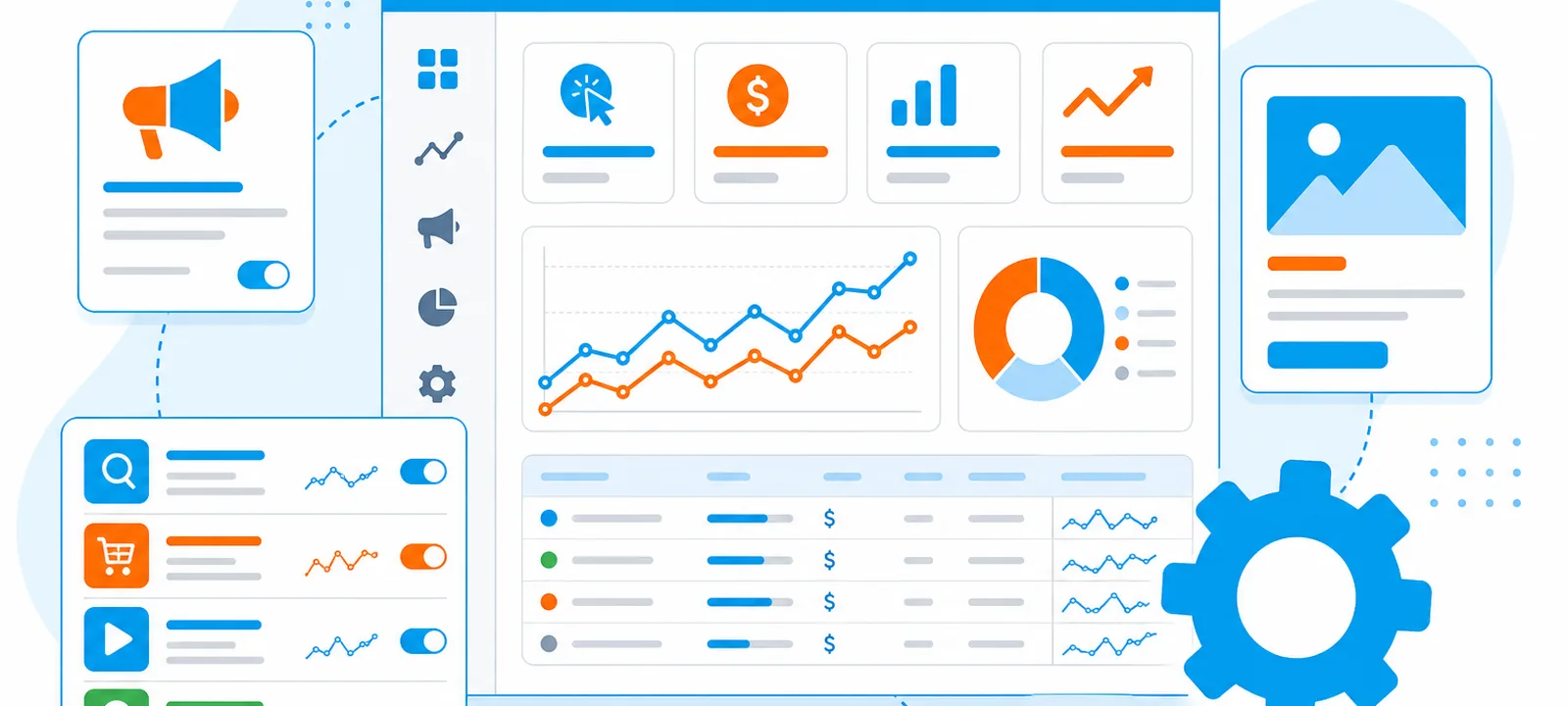
PPC management software handles the parts of paid search that do not need judgement: bulk edits, bid adjustments, keyword discovery, reporting and alerts. The eight tools below cover everything from a free desktop editor to enterprise platforms, and the right one depends on how many accounts you run rather than how much you spend.
One thing to be clear about before comparing them. None of this software decides what to sell, who to sell it to, or what your ad should say. It makes an account faster to run. An account being run in the wrong direction gets there faster too.
What is PPC management software?
A layer that sits on top of Google Ads, Microsoft Advertising and the social platforms, giving you one place to build campaigns, adjust bids by rule, research keywords, and report across accounts.
It matters most when the manual version stops being possible. One campaign on one platform does not need it. Twelve clients across three platforms with weekly reporting does, and that is where the time saved pays for the licence several times over.
The eight tools compared
| Tool | Price | Platforms | Best for |
| Google Ads Editor | Free | Google Ads only | Bulk edits on large accounts |
| Semrush PPC Toolkit | Subscription, mid-market | Google, plus SEO data | Keyword and competitor research |
| Adzooma | Low-cost subscription | Google, Microsoft, Meta | Small businesses with no PPC specialist |
| Optmyzr | Subscription, per account spend | Google, Microsoft, Amazon | Agencies running many accounts |
| SpyFu | Low-cost subscription | Research only, no management | Competitor keyword and ad history |
| WordStream Advisor | Subscription, mid-market | Google, Microsoft, Meta | Businesses new to paid search |
| Marin Software | Enterprise, quoted | Search, social, ecommerce | Large cross-channel advertisers |
| PPC Entourage | Subscription | Amazon only | Amazon sellers |
Google Ads Editor
Google's free desktop application. Download the account, make changes offline, review them, then post everything at once. For bulk work it remains faster than any paid alternative, and it is the only tool on this list that costs nothing.
What it will not do is tell you what to change. No competitor data, no recommendations, no cross-platform view. Most serious accounts use it alongside something else rather than instead of it.
Semrush PPC Toolkit
Strongest on the research side: keyword volumes with CPC estimates, the Keyword Gap between your domain and a competitor's, and a record of the ads a rival has run.
Worth it if you already pay for Semrush for SEO, since the PPC side comes as part of the same subscription. Less compelling as a standalone purchase, because campaign management is not its focus.
Adzooma
Built for people who are not PPC specialists. It scans connected accounts, produces plain-language recommendations, and lets you apply them in a click. Google, Microsoft and Meta in one dashboard.
The trade-off is depth. Experienced managers find the suggestions obvious. That is exactly the point for the audience it targets.
Optmyzr
Agency-grade. Rule engines, custom scripts, account audits, budget pacing and shopping campaign tools, all built to run across dozens of accounts at once.
Priced on managed spend and steep to learn. On a single account it is more machinery than the job needs.
SpyFu
Not campaign management at all, and included because most people comparing these tools are also trying to work out what competitors are doing. SpyFu holds a historical record of the keywords and ads a domain has run, which tells you what was abandoned as well as what survived.
Treat the spend estimates as direction rather than fact, since they are modelled from crawled data. The method for using this properly is in PPC competitor analysis.
WordStream Advisor
Weekly recommendations, automated bid adjustments, and reporting simple enough to send to a client without editing. Aimed at small and medium businesses running Google, Microsoft and Meta together.
Capable rather than deep. Agencies usually outgrow it.
Marin Software
Enterprise platform unifying search, social and ecommerce with predictive bidding on top. Designed for advertisers whose monthly spend runs into six figures and who need one attribution view across channels.
Long implementation, quoted pricing, and overkill for anything smaller.
PPC Entourage
Amazon only. Keyword harvesting from search term reports, placement optimisation and profitability analysis per ASIN. If you sell on Amazon it does things general tools do not. If you do not, it is irrelevant.
Which features actually matter
Feature lists on vendor sites are close to identical, so it is worth knowing which ones change your week.
Bulk editing. The single biggest time saver on an account of any size, and the reason the free Google editor stays in most workflows.
Rule-based automation. Pause a keyword after 50 clicks and no conversions. Raise a bid when cost per acquisition drops below target. Rules like these catch problems on a Tuesday rather than at month end.
Cross-platform reporting. Only useful if you genuinely run several platforms. If 95% of spend is on Google, a Google-only tool loses you nothing.
Alerts. Budget pacing and sudden cost changes. The most underrated feature on this list, because most account damage happens between the times you log in.
Keyword research. Every tool has it. The quality varies enormously outside large English-speaking markets, so test with your own terms before subscribing.
How to choose
Count your accounts. One account: Google Ads Editor plus the platform interface. Two to five: something like Adzooma or WordStream. More than five, or client work: Optmyzr.
Name the problem you have. Buying a tool because it looks comprehensive produces a subscription and no change in results. Buying one because reporting takes you six hours a month produces six hours.
Check it covers your platforms. Several tools are Google-first, with Microsoft and Meta support that is thinner than the marketing suggests.
Use the trial properly. Connect a real account, run one week of real work through it, and see whether you go back to the platform interface out of habit. If you do, that is your answer.
What the software will not fix
Wasted spend on the wrong searches
Automated rules pause keywords that fail. They do not question whether the keyword should have been there. The search terms report is still a manual read, weekly, and it is still where most savings are found.
Weak offers and weak landing pages
No bidding algorithm rescues a page that asks for eleven form fields. Landing page builders like Unbounce or Instapage help you test faster, but the decision about what to test is yours.
Invalid clicks
This is the gap most buyers do not notice until later. PPC management software optimises the clicks you receive. It does not judge whether those clicks came from people.
Bots, click farms and competitors clicking to drain a budget all bill at your normal CPC and all look like ordinary traffic in a management dashboard. Worse, an automated bidding rule reading that data will faithfully optimise toward an audience that never buys.
Google filters the clearly automated portion and credits it back, after the auction data has already influenced your bidding. Across the 1,793+ businesses running ClickPatrol, the invalid share is highest in exactly the competitive categories where advertisers buy management software in the first place. A comparison of the tools built for that specific job, rather than for campaign management, is in click fraud protection alternatives.
Do you still need a person?
Yes, and the software makes that clearer rather than less so.
What automation does well is repetition at scale: bid adjustments, budget pacing, reporting, alerts. What it does badly is anything requiring context, which includes whether a keyword fits the business, whether a lead was any good, and whether a competitor's new campaign is worth responding to.
The accounts that get the most from these tools are the ones where someone already knew what they wanted to do and needed to do it across more accounts than a person can hold in their head.
Frequently Asked Questions
What does PPC management software do?
Is Google Ads Editor enough on its own?
For a single account with a handful of campaigns, usually yes, and it is free. Third-party tools earn their cost when you manage several accounts, need cross-platform reporting, or want automation rules Google does not offer.
Does PPC management software stop click fraud?
No. Management platforms optimise the campaigns you run; they do not inspect the traffic those campaigns buy. Blocking invalid clicks requires detection software that writes exclusions back into the ad account.
How much does PPC management software cost?
Free for Google Ads Editor, roughly $20 to $100 a month for small business tools, and several hundred upwards for enterprise platforms priced on ad spend or account count.

Written & reviewed by
Abisola Tanzako
Content Manager, ClickPatrol (click fraud & invalid-traffic specialist)
Abisola covers bot traffic, ad fraud and PPC protection, drawing on ClickPatrol platform data from 1,793+ businesses.
Last updated: 6 October 2026