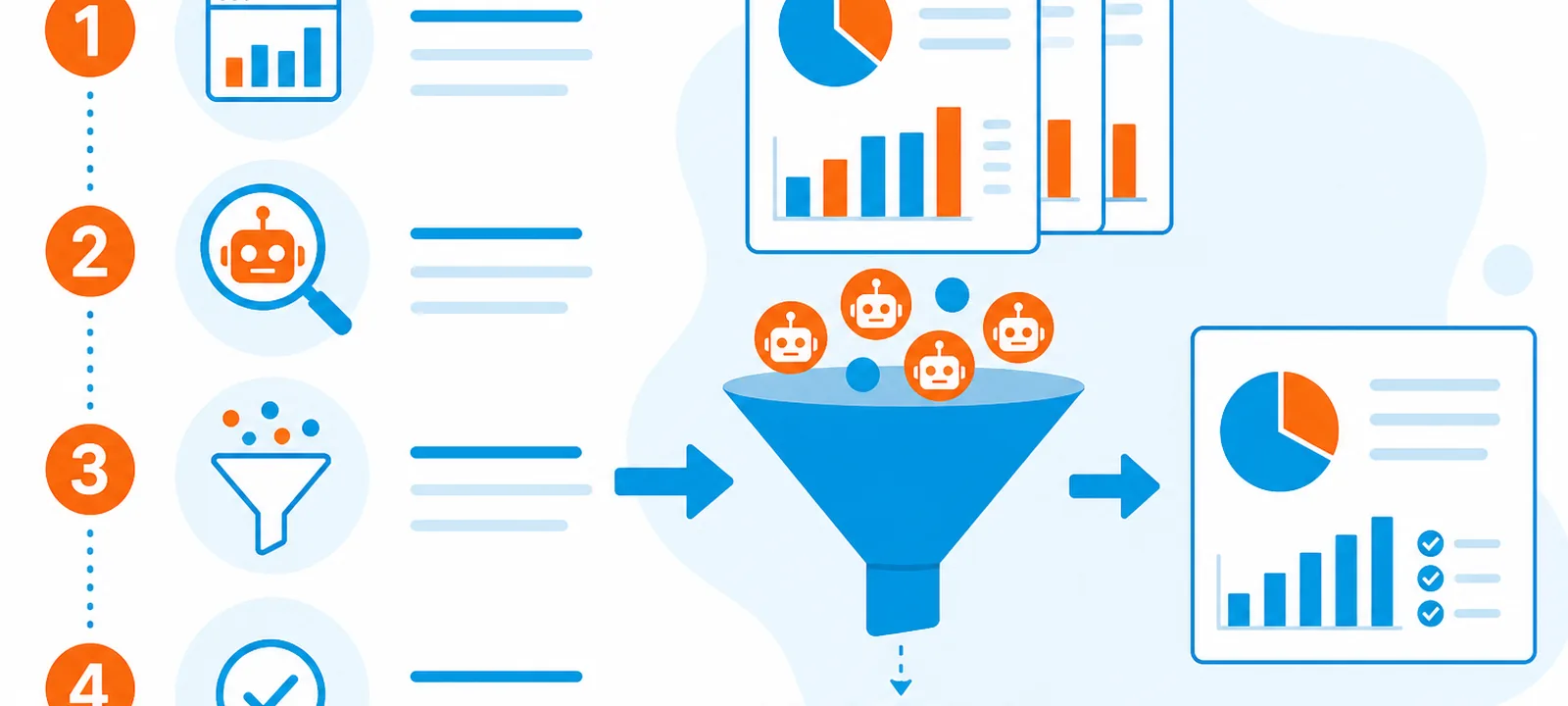
Industry reports in 2024 estimated bots accounted for roughly half of global internet traffic, with malicious bots making up a large share of automated visits. Exact ratios vary by site type, but most publishers see enough bot volume to distort analytics if it is not filtered.
-
Solutions
-
 Click Fraud Protection
Block invalid clicks across every ad channel.
-
 Smart Bidding Protection
Feed Google clean, human-only signals.
-
 Clean Remarketing Audiences
Exclude suspicious traffic from your lists.
-
 All Features
Every ClickPatrol feature in one place.
-
 E-commerce & Retail
Protect shopping campaigns and product feeds.
-
 Service Providers
Stop wasted spend on local & lead-gen ads.
-
 Marketing Agencies
Classify, protect and train every client account.
-
 All Industries
Browse click fraud protection by industry.
-
 Small Business
Affordable protection that pays for itself.
-
 Enterprises
Scale protection across brands & accounts.
-
 Regional Companies
Keep local budgets on real, nearby buyers.
-
 Multinationals
Consistent protection across every market.
-
-
Agencies
-
For Agencies
Classify, protect and train every client account.
-
 Partner Program
Earn 15 to 25% recurring commission on linked clients.
-
 Case Studies
21 UK agencies unlocked over 6% media savings.
-
-
Resources
-
What is Click Fraud?
Learn what fake PPC clicks are and why they matter.
-
 Bot Traffic
Detect and block non-human clicks.
-
 Competitor Fraud
Stop rivals draining your budget.
-
 Sophisticated Fraud
Catch SIVT that native filters miss.
-
 Click Farms
Stop coordinated low-quality click operations.
-
 Invalid Traffic
Block every click that never converts.
-
 Help docs
How to connect Google Ads, GTM and other ad channels.
-
 FAQ
FAQ
Answers to the most common questions.
-
 Blog
Blog
Articles and guides from our expert team.
-
 Comparisons
ClickPatrol vs ClickCease and other tools.
-
 Tools
Tools
Free tools by ClickPatrol & Friends.
-
 About ClickPatrol™
Who we are and our mission.
-
Case Studies
Why agencies and businesses use ClickPatrol.
-
 Customer Reviews
Reviews and success stories from customers.
-
Partner Program
Join our affiliate & partner program.
-
 Contact us
Talk to our team about your ad traffic.
-
- Pricing
How to detect bot traffic on your website: A comprehensive guide

In its 2025 Bad Bot Report, Imperva found that automated traffic made up 51% of all web traffic in 2024, the first time bots overtook humans online, with malicious "bad bots" alone accounting for 37%. A 2024 Forbes analysis reached the same conclusion: nearly half of the internet is no longer human.
If you want to detect bot traffic on your website, the short version is this: combine your analytics (GA4), your server logs, and behavioural signals, then layer a dedicated detection tool on top for the sophisticated bots those first three miss. Below we break down exactly how to do that, and how to tell good bots from the ones quietly wrecking your analytics, your ad spend, and your SEO.
This guide covers what bot traffic is, the types you'll encounter, why detection matters, and the practical steps to identify and block malicious bots in 2026.
What is bot traffic? Types and examples
Bot traffic is any non-human traffic to your site, generated by automated scripts or programs called bots. Some bots are essential; others exist to scrape, spam, defraud, or attack. There are two broad categories:
Good bots
- Search engine crawlers such as Googlebot and Bingbot index your pages so they can appear in search results.
- SEO crawlers such as SemrushBot and AhrefsBot analyse your site for performance and backlink data.
- Site-monitoring bots check uptime and performance so issues get caught early.
Bad bots
- Scraper bots: copy content or pricing, creating duplicate-content and competitive problems.
- Spam bots: flood forms and comments with junk and malicious links.
- DDoS bots: overwhelm servers to force downtime.
- Click and ad-fraud bots: click paid ads or fill lead forms to drain budgets and pollute conversion data, the type that hits advertisers hardest.
The rise of sophisticated and AI bots (and why GA4 misses them)
The hard part of bot detection in 2026 isn't the obvious bots; it's the ones designed to look human. Imperva reports that the majority of bad bots are now "evasive," using residential proxies, rotating IPs, and headless browsers that execute JavaScript and mimic real mouse movement. On top of that, the explosion of AI crawlers and autonomous agents has added a whole new layer of automated traffic that traditional filters weren't built for.
This matters because GA4's built-in bot filtering only removes known bots from the IAB/MRC list, mostly crawlers and simple automation identified by user agent. Sophisticated invalid traffic (SIVT) that spoofs a real browser, device, and referrer sails straight through and shows up in your reports as "real" users. Detecting it requires behavioural and server-side signals, not just a user-agent lookup. This is the category sophisticated invalid traffic protection is built for.
Why detecting bot traffic is critical for your website
Malicious bot traffic has a direct, measurable impact:
- Skewed analytics: inflated pageviews, distorted bounce rates and session times make it impossible to trust your data.
- Wasted ad spend: bots that click your ads or submit fake leads burn budget and feed bad signals into Smart Bidding, so the algorithm optimises toward more junk.
- SEO and performance hits: heavy bot traffic slows your site and can dilute the metrics search engines use.
- Security risks: bad bots probe for vulnerabilities, scrape data, and run DDoS attacks.
- Increased costs: bots consume server and hosting resources for zero business value.
Detecting and filtering bot traffic protects your analytics, your ad budget, your SEO, and your infrastructure at once.
Practical ways to detect bot traffic
Effective detection combines analytics, log analysis, behavioural signals, and dedicated tooling. Use several of the methods below together; no single one catches everything.
Use Google Analytics (GA4) for traffic insights
GA4 is a good first filter. Watch for patterns that point to non-human activity:
- Abnormally high bounce rates from single-page hits that exit in seconds.
- Near-zero session durations, since bots load and leave in milliseconds.
- Unusual traffic spikes, especially at odd hours or from one channel.
- Unexpected geographies outside your target markets, a common sign of proxy/VPN bot traffic.
Remember GA4's native filter only removes known bots, so treat clean GA4 data as a floor, not proof you're bot-free.
Monitor IP addresses and user-agent strings
- IP monitoring: repeated requests from a single IP in a short window usually indicate automation.
- User-agent strings: many bots self-identify (Googlebot reports as
Googlebot/2.1). Useful for good bots, but unreliable for bad ones, which spoof legitimate user agents.
Analyse behavioural patterns
- Erratic navigation: pages loaded faster than a human could read them.
- Impossible volume: one "user" viewing thousands of pages in minutes.
- Low-quality conversions: forms submitted with gibberish or fake details.
Use server-side detection, not just client-side
Client-side (JavaScript) checks are easily bypassed by headless browsers and AI agents that don't run scripts the way you expect. Server-side detection validates requests at the tag/server layer (e.g. server-side GTM) before they hit your analytics. This catches bots that never execute JavaScript and stops them from polluting your data in the first place.
Implement a dedicated bot-detection tool
- Cloudflare and similar WAFs use machine learning to block harmful bots at the network edge while letting good bots like Googlebot through, ideal for scraping, spam, and DDoS at the site level.
- ClickPatrol focuses on the advertising side: it monitors traffic from Google Ads, Microsoft Ads, Meta and other platforms, classifies each visit as legitimate or suspicious using 80+ data points, and blocks invalid clicks so bots stop draining your budget and skewing your conversion data. Use a WAF for site security and ClickPatrol for ad-traffic quality; they solve different halves of the problem.
Use CAPTCHA and rate-limiting
- reCAPTCHA separates humans from bots on forms and logins to cut spam submissions.
- Rate-limiting caps requests per IP so bots can't overload your server.
Audit your robots.txt file
Your robots.txt controls crawler access. Review it regularly so good bots (Googlebot, Bingbot) are allowed and unwanted crawlers are discouraged or given crawl delays. Note that malicious bots ignore robots.txt, so treat it as guidance for compliant bots, not a security control.
Monitor server logs
Raw server logs show every request, including bots that never trigger analytics. Tools like the Semrush Log File Analyzer reveal crawl frequency, requested files, and suspicious request patterns.
Practical strategies to block malicious bots
- Block malicious IPs at your firewall or via Cloudflare.
- Keep software and plugins updated to close vulnerabilities bots exploit.
- Protect your ad campaigns with automated invalid-click blocking so fraudulent clicks are excluded before they cost you. See click fraud protection.
- Keep good bots crawling so your SEO isn't harmed by over-blocking.
- Review traffic quality regularly across analytics and ad platforms rather than relying on a one-time setup.
Not sure how much of your traffic is real?
See where fake and suspicious clicks are hitting your ads and how much budget they're costing you.
Check your traffic quality with ClickPatrolThe impact of bot traffic on SEO, analytics, and the environment
- Bad bots make up a large share of traffic worldwide, reaching around 71% in Ireland and 68% in Germany, showing this is a global problem, not an edge case.
- More than 50% of traffic in industries such as gaming, retail, and financial services comes from bad bots.
- Bot traffic also drives unnecessary carbon emissions, since every automated request consumes server energy.
- Filtering malicious bots improves site performance and restores the accuracy of your SEO and analytics data.
Key takeaways for managing bot traffic effectively
Detecting bot traffic is essential for a healthy site, trustworthy analytics, and reliable SEO. Combine GA4 monitoring, server logs, behavioural analysis, robots.txt hygiene, and dedicated tools (Cloudflare for site-level threats and ClickPatrol for invalid traffic on your paid campaigns) to catch both the obvious and the sophisticated bots.
With bad bots at 37% of all web traffic in 2024 and evasive, AI-driven automation growing fast, proactive detection is no longer optional. Act now: block the malicious bots, keep the legitimate ones crawling, and make sure your data reflects real people.
- What percentage of web traffic is bots?
In 2024, automated traffic reached 51% of all web traffic for the first time, according to Imperva's 2025 Bad Bot Report, with malicious bad bots accounting for 37%. - How do bots affect my site's SEO?
Bad bots can slow your site, scrape and duplicate your content, and distort the analytics you rely on to optimise, all of which can hurt rankings and make real-user optimisation harder. - What are the typical signs of bot traffic?
High bounce rates, near-zero session durations, sudden traffic spikes at odd hours, and traffic from unexpected locations are the most common indicators. - Can I block all bot traffic?
No, and you shouldn't. Legitimate bots like Googlebot are essential for SEO. The goal is to block malicious bots (via a WAF, reCAPTCHA, or a dedicated tool) while keeping good bots crawling. - Why doesn't GA4's bot filter catch everything?
GA4 only excludes known bots from the IAB/MRC list. Sophisticated bots that spoof real browsers and devices bypass it, so behavioural and server-side detection are needed to catch them.
Frequently Asked Questions
What share of web traffic is bots?
How do bots affect website SEO?
Bad bots can scrape content, create duplicate pages, and hammer servers until pages slow down or fail. They also inflate analytics metrics, which makes it harder to optimize for real users. Search engines may penalize sites that serve thin or duplicated bot-generated content.
What are typical signs of bot traffic?
Watch for high bounce rates, very short session durations, sudden traffic spikes from unknown referrers, and geographic clusters that do not match your customer base. Repeated identical user agents and zero engagement on key events are also common bot indicators in analytics dashboards.
Should you block all bot traffic?
No. Legitimate crawlers such as Googlebot are essential for indexing and SEO. Focus on blocking harmful scrapers, credential stuffers, and click fraud bots with tools like Cloudflare, reCAPTCHA, or dedicated bot management. Allowlist known good crawlers instead of using a blanket deny rule.

Written & reviewed by
Abisola Tanzako
Content Manager, ClickPatrol (click fraud & invalid-traffic specialist)
Abisola covers bot traffic, ad fraud and PPC protection, drawing on ClickPatrol platform data from 1,793+ businesses.
Last updated: 6 October 2026