-
Solutions
-
 Click Fraud Protection
Block invalid clicks across every ad channel.
-
 Smart Bidding Protection
Feed Google clean, human-only signals.
-
 Clean Remarketing Audiences
Exclude suspicious traffic from your lists.
-
 All Features
Every ClickPatrol feature in one place.
-
 E-commerce & Retail
Protect shopping campaigns and product feeds.
-
 Service Providers
Stop wasted spend on local & lead-gen ads.
-
 Mobile App Providers
Protect app install and in-app ad campaigns.
-
 Marketing Agencies
Show clients real, reportable media savings.
-
 All Industries
Browse click fraud protection by industry.
-
 Small Business
Affordable protection that pays for itself.
-
 Enterprises
Scale protection across brands & accounts.
-
 Regional Companies
Keep local budgets on real, nearby buyers.
-
 Multinationals
Consistent protection across every market.
-
-
Resources
-
What is Click Fraud?
Learn what fake PPC clicks are and why they matter.
-
 Bot Traffic
Detect and block non-human clicks.
-
 Competitor Fraud
Stop rivals draining your budget.
-
 Sophisticated Fraud
Catch SIVT that native filters miss.
-
 Click Farms
Stop coordinated low-quality click operations.
-
 Invalid Traffic
Block every click that never converts.
-
 FAQ
FAQ
Answers to the most common questions.
-
 Blog
Blog
Articles and guides from our expert team.
-
 Comparisons
ClickPatrol vs ClickCease and other tools.
-
 Tools
Tools
Free tools by ClickPatrol & Friends.
-
 About ClickPatrol™
Who we are and our mission.
-
 Case Studies
Why agencies and businesses use ClickPatrol.
-
 Customer Reviews
Reviews and success stories from customers.
-
 Partner Program
Join our affiliate & partner program.
-
 Contact us
Talk to our team about your ad traffic.
-
- Pricing
Facebook bots explained: Complete guide to detect and stop Facebook ad fraud (2026)
Most Facebook marketers are familiar with bot traffic. Very few understand how to detect it, measure it, and prevent it from silently eating away at their marketing spend.
Industry research has consistently shown that bot and invalid traffic account for 20-30% of all clicks generated by paid social media campaigns.
For a $5,000-per-month marketing campaign, this could amount to $1,000 to $1,500 in lost revenue per month.
This article will provide information about Facebook bots, their functions, detection, and prevention in 2026.
What are Facebook bots and how do they work?
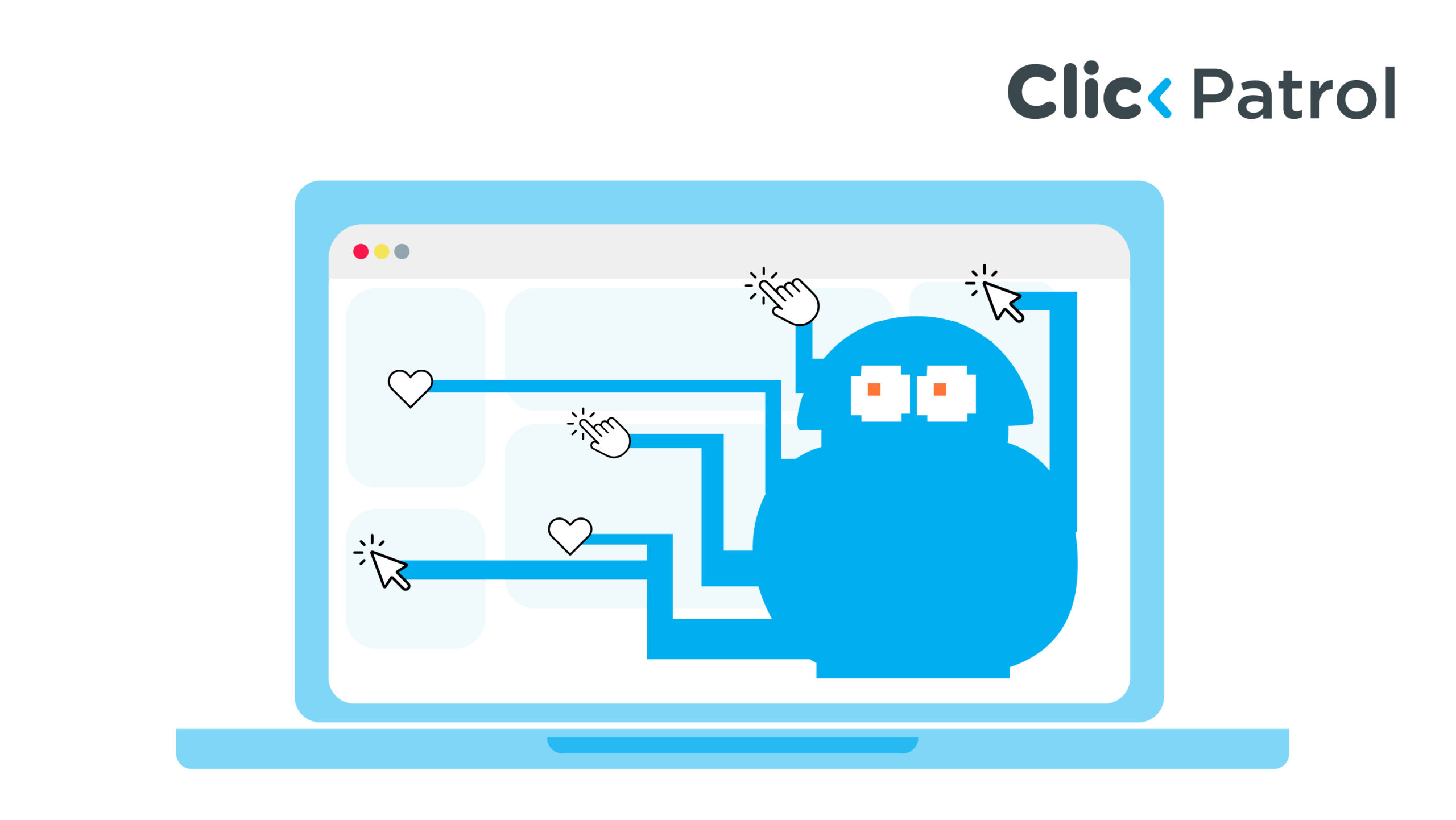
Facebook bots are software applications that automatically mimic human behavior on Facebook.
The software clicks on ads, likes and shares posts, follows pages, makes comments, fills out lead generation forms, and sends messages on Facebook Messenger, all actions performed independently by the software.
What types of Facebook bots do Facebook advertisers face?
Facebook advertisers face several types of bots, each targeting different parts of the ad process and creating unique challenges, including the following:
Click bots
These are one of the most prevalent types of bots. They repeatedly click Facebook ads, inflate clicks, exhaust daily budgets, and increase CPCs, but ultimately fail to produce even a single lead. High CTR with no revenue often indicates a click bot infestation.
Fake engagement bots
These will like, share, react to, and comment on your ad or post. This will skew the signals sent by Facebook’s algorithm and help build an audience that is composed entirely of spam bots.
Form-filling bots
They input a string of randomly generated letters, phone numbers already used, and names not relevant to the region.
This creates an endless flow of meaningless information and a higher cost-per-lead, making your ad campaign much more expensive than it would be otherwise.
Competitive click bots
These bots are programmed to deplete an advertiser’s daily budget, ensuring his advertisements are disabled, allowing room for bidding, and eliminating competition.
This kind of click fraud is difficult to detect because the IP addresses and the devices change continuously.
Scraper bots
These bots gather publicly available information from the Facebook business page, including prices, images, and text.
It may not be apparent immediately, but scraper bots do cause damage.
How do Facebook bots affect your Facebook ad campaigns and budget?
One of the most concerning aspects of FB bot traffic is its ability to camouflage itself within legitimate data.
Ads Manager is designed to measure performance; it’s not equipped to detect fraud. Bot traffic undermines your marketing efforts through several mechanisms.
Wasted ad budget
Each bot click drains your marketing budget equally as a human click does. For example, a $10,000-per-month campaign with 25% bot traffic means you’re spending $2,500 every month for clicks that do nothing but harm your business.
High CTR with no conversions
Your click-through rate can appear healthy even when the conversion rate is almost nonexistent. When it happens, bots might be responsible for the discrepancy. Unlike real users, bots won’t convert.
Compromised target audiences
Bots that view your ads and pages are added to your Custom Audience and subsequently used as seed audiences for Lookalike Audiences. In the long run, the algorithm learns to optimize towards non-human patterns of behavior.
Invalid split test results
If bots click on one ad more than others, your split tests become invalid. The creative direction you choose based on bot clicks is incorrect, and over time, you make even more costly mistakes.
How do you detect Facebook bot traffic on Facebook Ads?
To identify FB bots in the traffic, one needs to do more than just examine the Ads Manager data. The following signs should be considered.
CTR is high while conversions are zero or minimal
WordStream’s 2026 Facebook Ads Benchmarks puts the average Facebook CTR between 1.71% and 2.59%. A CTR of 4–6% with a conversion rate near zero is a strong signal that non-human traffic is inflating your numbers.
Short engagement time within GA4 sessions
Use GA4 to filter sessions triggered through Facebook advertising and see how long they usually last. If sessions are no longer than 3–5 seconds and involve only one page visit, such visitors are not engaged at all.
Traffic comes at unusual times
Real users’ behavior has some logic and patterns: they visit during commuting hours, over their lunch breaks, and in the evenings. Bot-generated traffic can occur at unusual times.
Repeating IP addresses in server logs
The repetition of any IP address, or even a range of similar IP addresses, should be treated as suspicious if it appears repeatedly in relation to Facebook ads with UTM parameters.
Suspect lead form submissions
The use of random character strings in names, abnormal e-mail formatting, and the repetition of phone numbers across several leads should be regarded as clear signs of a bot attack.
How do you block Facebook bots on Facebook Ads?
Stopping FB bots requires a comprehensive approach; a single move will not do the trick, but when combined, these can greatly reduce your exposure.
Stop using audience network placements
Uncheck Audience Network as an active placement, since the lack of supervision here makes bots focus on this placement, leaving others untouched. Disabling it will have no effect on real reach but will dramatically minimize the risk of bots.
Enable advanced matching by validating Meta Pixel
Use the Meta Pixel Helper extension to check whether your Pixel works on all important pages. Validating it allows the system to distinguish between humans and bots and lays the groundwork for other activities.
Tag all ad destination URLs with UTM
Tagging your ad destination URLs with UTM parameters enables you to track bot traffic in GA4 separately from the website traffic. Otherwise, they get mixed with other traffic and cannot be recognized.
Use GA4 to create a segment for suspicious sessions
Create a custom segment targeting sessions with less than 3 seconds spent and only one page visited. Sessions that meet these criteria are hardly ever legitimate user actions.
Prevent access from suspicious IPs at the source
As soon as bot IPs start appearing in your server logs, block them from accessing the server or landing pages.
Meta’s built-in solution will allow you to exclude up to 500 IPs. For larger volumes, server-side blocking becomes mandatory.
Include honeypot fields in lead acquisition forms
Create an additional form field that will remain invisible to real people. Once such a field is filled out by the submission, discard it right away without sending it to your CRM.
Implement click fraud prevention software
In cases where campaigns have budgets exceeding $1,000 a month, you cannot rely on manual checks alone.
Software solutions like ClickPatrol will filter out suspicious clicks in real time, helping you avoid wasting money.
Plus, they provide campaign-specific reports, which Ads Manager lacks.
Does Facebook automatically block bot traffic?
While Meta sometimes filters invalid traffic and even provides occasional credit adjustments for detected fraud, it is crucial to understand exactly what Meta can and can’t do in bot management.
Data visibility:
Meta provides information on delivery, not traffic quality. Metrics such as session duration, bounce rate, and engagement are unavailable.
Detecting bots requires combining data from GA4, servers, CRM, and other external tools because these metrics aren’t automatically collected by Meta.
Fraud detection:
Meta’s threshold settings are deliberately low because the company aims to filter out no legitimate users.
Sophisticated bots that utilize residential IPs, constantly changing fingerprints, and realistic behaviors successfully get through filters.
Even click farms using real devices and IPs can’t be reliably distinguished from real traffic by Meta. Assume the worst: treat Meta’s filtering as the minimum standard.
Targeting:
Bots make Custom Audiences useless because they negatively affect Lookalike Audience performance, and there is absolutely nothing Meta can do about it.
Meta lacks tools to purge audience data of non-human interactions, and advertisers often forget to audit the performance of seed audiences.
Which Facebook bot protection tool is right for your campaigns?
There isn’t a single “perfect” Facebook bot protection tool; the right one depends on what problem you’re trying to solve (click fraud, fake leads, data center bots, or retargeting waste).
But in practice, most advertisers choose from a few proven options based on how deep they want the protection to go. Here’s a simple breakdown to help you decide:
1. Best overall for Meta ad protection (most complete coverage)
Tools like TrafficGuard: This is usually the strongest “full system” option. It focuses on stopping invalid traffic in real-time, including bots, click farms, and suspicious users, before they significantly affect your funnel. Good for:
- Medium to large ad budgets
- Businesses running Facebook + Instagram ads consistently
- People who want automated protection without much setup
Why marketers use it: It doesn’t just flag bots after the fact; it actively filters traffic and helps prevent wasted spend from entering your audience pools in the first place.
2. Best for strict click fraud blocking and rules-based control
Tools like ClickGUARD: This one is more “hands-on control.” It uses behavioral signals, IP patterns, and rule-based blocking to detect fake clicks and stop repeat offenders. Good for:
- Performance marketers
- Agencies managing multiple client accounts
- Campaigns where CPC inflation is a big issue
Why people choose it: It gives you more control over what gets blocked and lets you fine-tune protection levels instead of fully automated filtering.
3. Best for detailed tracking + visitor behavior analysis
Tools like ClickCease: This one is more focused on visibility. It helps you see:
- Suspicious IPs
- Session behavior (like instant bounces)
- Device/browser patterns
- Which clicks look fake
Good for:
- Small to mid-sized businesses
- People who want to “see what’s happening” before automating blocks
Why it’s useful: It combines fraud detection with analytics to explain why traffic is fake, not just that it is.
4. Native Meta protection (baseline option)
Meta (Facebook) itself already filters a lot of invalid traffic, but:
- It’s not transparent
- It doesn’t block everything in real time
- It won’t fully prevent bot-driven clicks or low-quality traffic patterns
What is the difference between Facebook bots protection tools and the Meta Ads library?
Meta Ads Library is an open, transparent system that allows viewing live ad creatives and basic delivery information for advertising accounts running ads on Meta-owned websites.
The system can be used for competitor analysis purposes to see which ads your competitor is currently running, but there is no information available regarding traffic quality, click fraud protection, or botting within your campaign.
In addition, competitor ad spend, CPC, or budgets cannot be viewed. Facebook bot protection tools focus on traffic entering your campaign, detecting non-human activity, blocking suspicious IPs, and auditing lead form fills for bots.
If you check out the Meta Ads Library, you’ll see what your competitors are saying. However, a bot audit will tell you if your incoming traffic is bot-free.
Are Facebook bots still a real problem in 2026?
Yes, and they have become much more advanced than they used to be. Advanced FB bot traffic is routed through residential IPs, fingerprints get refreshed, and browsing behaviors, scroll depth, mouse activity, and time on page can be mimicked by advanced algorithms to bypass automated detection systems.
And click farms that utilize human resources make it even harder for platforms to detect such behavior.
Here it is: According to industry research analyzing 2.7 billion paid ad clicks across major platforms, including Meta, invalid traffic constitutes between 20–30% of clicks on paid social media campaigns, with figures frequently higher in competitive sectors like finance, insurance, and e-commerce.
Take back control of your Facebook Ad performance
FB bots represent an ever-present, ongoing cost to your advertising dollars that Ads Manager was never designed to detect.
Every month you go unprotected is a month spent on traffic that won’t convert, people who won’t purchase, and data that won’t serve you.
It’s a solution that is easy enough, but multilayered. The right balance among your platform configuration, traffic analysis, and anti-click fraud software keeps you from wasting your budget on bots rather than legitimate users.
The more accurate your data, the better-informed your decisions will be, and in 2026, this can be an underutilized advantage when advertising on Facebook.
Want to know how much of your budget is going to bots? Run a free traffic audit with ClickPatrol and find out exactly what is clicking your ads.