
-
Solutions
-
 Click Fraud Protection
Block invalid clicks across every ad channel.
-
 Smart Bidding Protection
Feed Google clean, human-only signals.
-
 Clean Remarketing Audiences
Exclude suspicious traffic from your lists.
-
 All Features
Every ClickPatrol feature in one place.
-
 E-commerce & Retail
Protect shopping campaigns and product feeds.
-
 Service Providers
Stop wasted spend on local & lead-gen ads.
-
 Mobile App Providers
Protect app install and in-app ad campaigns.
-
 Marketing Agencies
Show clients real, reportable media savings.
-
 All Industries
Browse click fraud protection by industry.
-
 Small Business
Affordable protection that pays for itself.
-
 Enterprises
Scale protection across brands & accounts.
-
 Regional Companies
Keep local budgets on real, nearby buyers.
-
 Multinationals
Consistent protection across every market.
-
-
Resources
-
What is Click Fraud?
Learn what fake PPC clicks are and why they matter.
-
 Bot Traffic
Detect and block non-human clicks.
-
 Competitor Fraud
Stop rivals draining your budget.
-
 Sophisticated Fraud
Catch SIVT that native filters miss.
-
 Click Farms
Stop coordinated low-quality click operations.
-
 Invalid Traffic
Block every click that never converts.
-
 FAQ
FAQ
Answers to the most common questions.
-
 Blog
Blog
Articles and guides from our expert team.
-
 Comparisons
ClickPatrol vs ClickCease and other tools.
-
 Tools
Tools
Free tools by ClickPatrol & Friends.
-
 About ClickPatrol™
Who we are and our mission.
-
 Case Studies
Why agencies and businesses use ClickPatrol.
-
 Customer Reviews
Reviews and success stories from customers.
-
 Partner Program
Join our affiliate & partner program.
-
 Contact us
Talk to our team about your ad traffic.
-
- Pricing
How to filter bot traffic in GA4: Step-by-step guide to accurate analytics reporting
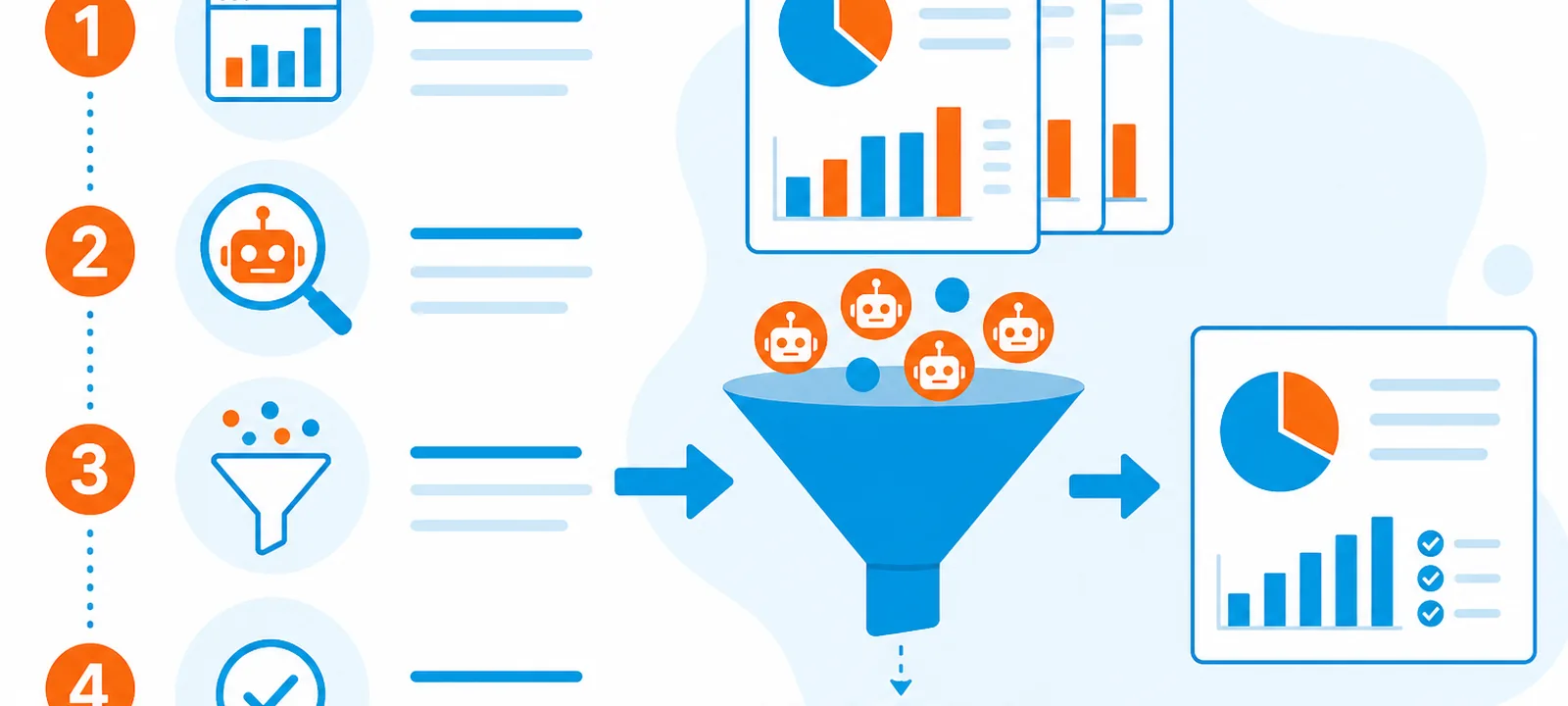
As digital marketers and business owners strive for accurate data in their Google Analytics 4 (GA4) reports, one persistent challenge remains: bot traffic.
Bots account for 42% of all internet traffic, distorting marketing analytics and inflating conversions (Imperva, 2023).
Unlike Universal Analytics, GA4 has a more modern, event-driven tracking system and is better equipped for privacy compliance and multi-device tracking.
However, bot filtering in GA4 is not always as straightforward or automatic as we would like.
This guide explains how to identify, analyze, and exclude bot traffic from your GA4 reports using filters, segments, and custom dimensions.
What is bot traffic?
Bot traffic refers to non-human visits to your website, often performed by automated software or scripts.
These bots can range from helpful (such as search engine crawlers) to malicious (such as click-fraud bots or scrapers).
While not all bots are bad, many serve no purpose for your analytics and can inflate your session count, distort bounce rates, and create confusion when measuring user behavior. Types of bot traffic include:
- Good bots: Search engine crawlers (like Googlebot), social media bots, or uptime monitoring bots.
- Bad bots: Click fraud bots, spam bots, web scrapers, and DDoS tools.
- Unknown bots: Unidentified or suspicious traffic patterns that don’t follow human behavior.
Common sources of bot traffic
Knowing which kind of bot you are looking at decides whether you filter it in reporting or block it before it arrives.
- Search engine crawlers: Googlebot, Bingbot and similar crawlers that index your pages. GA4 already excludes the known ones.
- SEO crawlers: tools such as Ahrefs and Semrush, useful to whoever is running them and useless in your reports.
- Monitoring bots: uptime and performance checks that hit your site on a fixed schedule.
- Scraping bots: harvest content, prices or product data for reuse elsewhere.
- Spam bots: post comments and submit forms, which is where they start polluting your conversions.
- Impersonator bots: mimic human interaction closely enough to pass CAPTCHA and create accounts or transactions.
- Click bots: click paid ads and inflate click counts.
- DDoS bots: flood the site with requests to slow it down or take it offline.
The last two cost money rather than only clarity. A GA4 filter cleans the report, but by then the budget is already spent, which is why bot traffic is a paid-media problem before it is a reporting problem.
How to identify bot traffic in GA4 using behavior and IPs
GA4 uses machine learning and event-based tracking to provide more flexible insights than its predecessor.
However, unlike Universal Analytics, where you could check a box to filter out known bots, GA4 handles things differently.
Bot traffic matters because it affects the following:
- Conversion tracking accuracy: If bots trigger your conversion events (like form submissions or purchases), it becomes hard to trust your data.
- Audience creation: Bots added to remarketing or custom audiences can lead to irrelevant ad targeting.
- Marketing attribution: Bots may appear from specific channels (e.g., referral or paid traffic), falsely inflating their performance.
- Campaign optimization: With polluted data, optimizing your ads, SEO, or content becomes inefficient and expensive.
Does GA4 automatically filter bots?
GA4 does offer some automatic bot filtering, but it is limited in scope. According to Google’s official documentation, GA4 filters out known bots using a list maintained by the IAB (Interactive Advertising Bureau). However:
- This list only includes known bots.
- Unknown or custom bots can still infiltrate your reports.
- There is no user-facing checkbox like in Universal Analytics.
Signs you are receiving bot traffic
Before applying filters, it is helpful to recognize signs that your GA4 data is being affected by bots. Look for:
- Unusual traffic spikes: A sudden, unexplained surge in sessions or users, especially from specific countries. 100% Bounce rates or session durations of 0s: Bots do not behave like humans; they do not scroll, click, or browse multiple pages.
- Strange source/medium tags: If you see unfamiliar referrers or campaign parameters, bots might be faking sources.
- High volume from a single location/IP: Especially from countries not in your target market.
- New users only: Bots often do not repeat visits, resulting in abnormally high “new user” counts.
Customize your acquisition reports to surface those signs
GA4’s default reports leave out the metrics that separate a bot from a person. Add them once and the pattern becomes visible in the two reports where bot traffic lands first.
Open Reports, expand Acquisition in the life cycle collection and pick either Traffic acquisition or User acquisition. Use the pencil icon in the top right to customize the report, then add metrics under Report data.
- Traffic acquisition: engagement rate, average engagement time, sessions, engaged sessions, views per session.
- User acquisition: total users, active users, new users, event count, engaged sessions per user.
Read those columns together rather than one at a time. A source that delivers a lot of new users with an engagement rate near zero and almost no engaged sessions is rarely human.
Advanced filters for blocking bots in GA4
GA4 does not offer the traditional views and filters available in Universal Analytics, but practical methods exist to filter or flag bot traffic. Below are some actionable steps:
Use segments in explorations:
GA4 Explorations allow you to build custom reports using segments. You can then exclude traffic that meets suspicious criteria. How to do it:
- Go to Explore in GA4.
- Choose a report type (like Free Form).
- Under “Segments,” click + to create a new segment.
- Exclude users/sessions based on:
Source/medium (e.g., suspicious referrers)
Country (if you are getting lots of junk from certain regions)
Session duration = 0
Bounce rate = 100%
- Apply the segment and analyze your clean traffic separately.
Exclude internal traffic:
Internal visits from your team, agencies, or developers can also pollute your data. GA4 lets you exclude them by IP. Steps:
- In GA4 Admin, go to Data Streams → Web stream details.
- Scroll down to Tagging Settings → Define Internal Traffic.
- Enter IP addresses and give them a name (e.g., Office IP).
- In your GA4 tag (via Google Tag Manager), set the traffic_type parameter to match.
Use Google Tag Manager to set bot indicators:
Google Tag Manager (GTM) can help flag suspicious visits by setting custom parameters when conditions are met (like screen size, language, or referrer). Example:
- Create a GTM variable that checks for screen resolutions bots usually use.
- Use a trigger for abnormal user agents.
- Pass this as a custom parameter (like is_bot = true) into GA4.
Later, you can segment or exclude that traffic in GA4 reports.
Block traffic from known bad referrers:
If you consistently see bot traffic coming from specific spammy sources, block them via server-side rules or .htaccess (for Apache) or set up Cloudflare rules to challenge or block that traffic.
This will not be reflected in GA4, but it prevents those visits from happening.
Set up a referral exclusion list:
GA4 lets you stop specific domains from being counted as referrals, up to 50 per data stream. Go to Admin, open Data Streams, select the relevant web stream and use the referral exclusion list. This is the quickest way to keep one recurring spam referrer from distorting your whole channel report.
Filter on the signals bots get wrong:
Universal Analytics let you build view-level filters and GA4 does not, but the same signals still work inside segments and explorations. The dimensions worth testing:
- Hostname: traffic reported against a hostname you do not own is almost always spam.
- User agent: known crawler strings, passed into GA4 as a custom parameter via GTM.
- ISP and data center origin: hosting providers and proxies instead of consumer ISPs.
- Browser language: bots often keep a default that matches no market you sell in.
- Screen resolution: default or improbable resolutions cluster tightly around a few values.
- Engagement: one page view, no scroll, under a second of engagement time.
None of these is conclusive on its own. Two or three of them on the same source is a reliable signal.
Use GA4 DebugView to monitor anomalies:
DebugView is primarily for testing, but you can use it to detect:
- Repeated visits from the same device
- Unusual sequences of events
- Traffic with suspicious metadata
Integrate with bot protection tools:
For businesses running paid campaigns or dealing with high traffic volumes, integrating GA4 with specialized bot protection tools is a smart move.
Platforms like ClickCease, ClickGuard, Cloudflare Bot Management, and ClickPatrol go beyond basic IP blocking, offering more comprehensive solutions. ClickPatrol’s bot detection and custom rules sit on the advertising side of the problem, which is the side a GA4 filter cannot reach.
They use behavioral analysis, machine learning, and real-time monitoring to identify patterns of fraudulent activity.
By connecting insights from these tools with your GA4 reports, you can:
- Cross-check suspicious traffic spikes
- Validate or refute anomalies in session data
- Create more accurate custom audiences
- Fine-tune exclusions and filters based on trusted third-party signals
Using BigQuery for advanced bot filtering
If you have connected GA4 to BigQuery (a free integration for GA4 users), you can run queries to detect and filter bot traffic based on patterns. Sample ideas for BigQuery filters:
- Sessions with fewer than two (2) events and <1 second duration
- Traffic from countries not in your market
- Suspicious event parameters or campaign tags
You can use this cleaned data for advanced analysis or dashboarding in Looker Studio.
Best practices for minimizing bot traffic in GA4
Even if you cannot catch every bot, you can reduce its impact with some strategic moves:
- Regularly review traffic sources: Inspect your source/medium report frequently and look for odd referrers or traffic spikes.
- Use Honeypots: Place invisible form fields that users will not fill out, but bots will. If the field is completed, you can identify it as a bot and disregard the session.
- Apply country-based filtering: If your business is regional, create segments or tag rules to filter traffic outside your operating areas.
- Monitor performance metrics closely: Sudden changes in bounce rate, session duration, or conversion rates can indicate bot activity.
- Enable CAPTCHA or reCAPTCHA on forms: Prevent bots from completing forms or triggering conversions that skew data.
- Use event validation: Ensure that essential events (such as purchases or form submissions) require human validation (e.g., clicks, scrolls, or mouse movements).
Will filtering bot traffic remove real visitors?
Done correctly, no. Every signal above separates automated behavior from human behavior, so real visitors stay in your reports. The risk sits in blunt rules: excluding an entire country or ISP that also contains paying customers costs you data you wanted to keep. Segment first, confirm the pattern, then exclude.
How often should you check for bot traffic?
Weekly if you run paid campaigns, monthly if you do not. Bot patterns change, so a segment or exclusion that matched last quarter can quietly stop matching without anything looking broken.
Why GA4 needs better bot detection features
The transition from Universal Analytics to GA4 introduced powerful upgrades; however, the bot filtering tools are still not user-friendly or thorough enough for many users.
While GA4 automatically filters some bot traffic, Google has not released a comprehensive list of what is included in its bot filtering logic, leaving room for potential blind spots.
Advertisers and marketers need greater control to define and exclude unwanted traffic. Until that happens, it is essential to build custom solutions with GTM, BigQuery, and segments.
Do not let bots ruin your GA4 data
Bot traffic is a growing issue that threatens the reliability of your analytics. In GA4, although some automatic filtering is available, you are primarily responsible for manually cleaning your data.
By using segmentation, internal traffic rules, GTM tagging, and BigQuery analysis, you can filter out most junk and focus on real users who convert.
One caveat worth repeating: a GA4 filter fixes the report, not the traffic. The bots still arrive, and if they are also clicking your ads they are still spending your budget. A free click fraud analysis shows how much of your paid traffic is invalid before you change a single setting.